> For the complete documentation index, see [llms.txt](https://scanslibrary.gitbook.io/procdural-world-generator-ue5/llms.txt). Markdown versions of documentation pages are available by appending `.md` to page URLs; this page is available as [Markdown](https://scanslibrary.gitbook.io/procdural-world-generator-ue5/multi-biomes/getting-started/sample-maps/broadleaf-forest.md).
# Broadleaf Forest
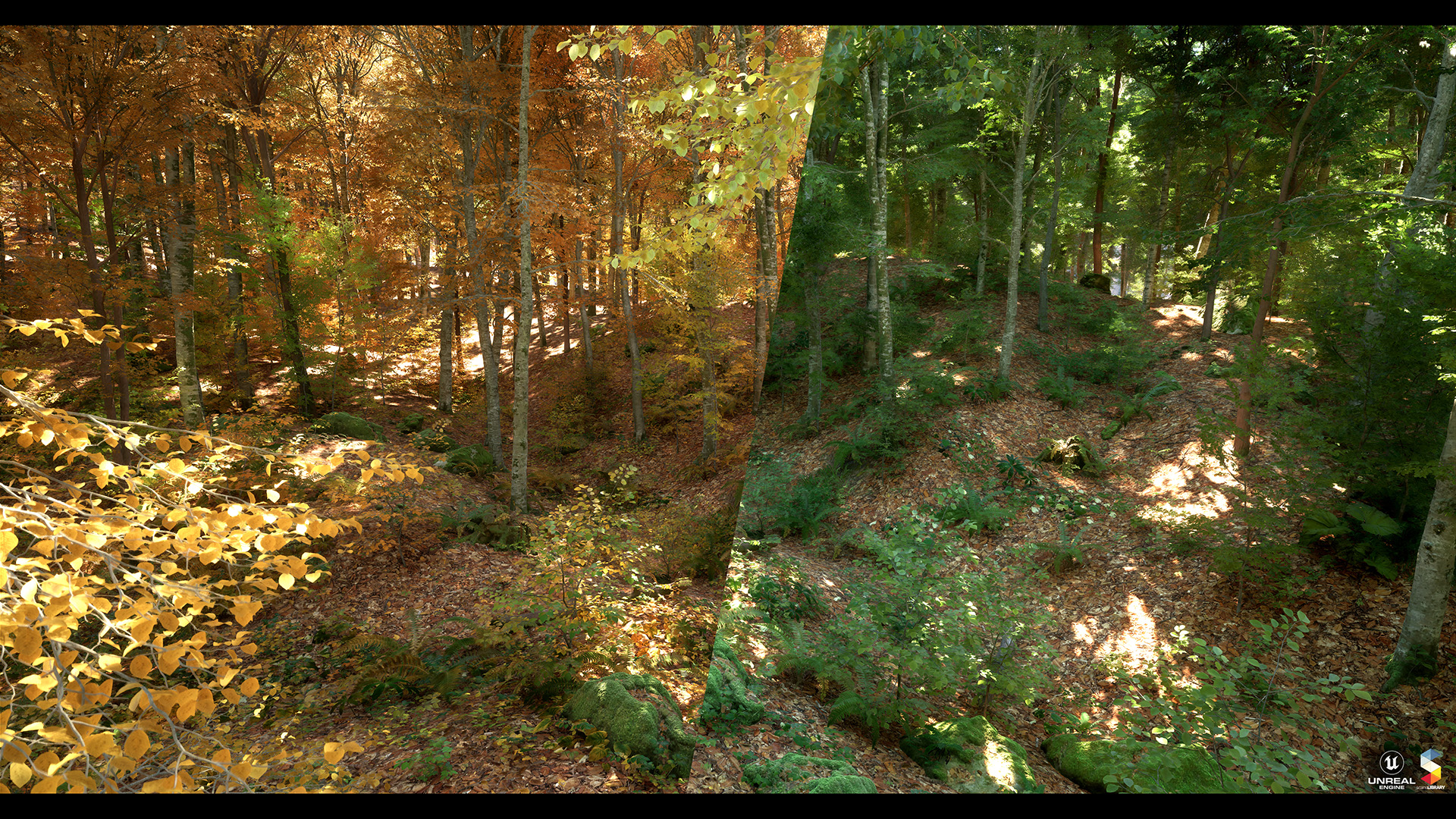
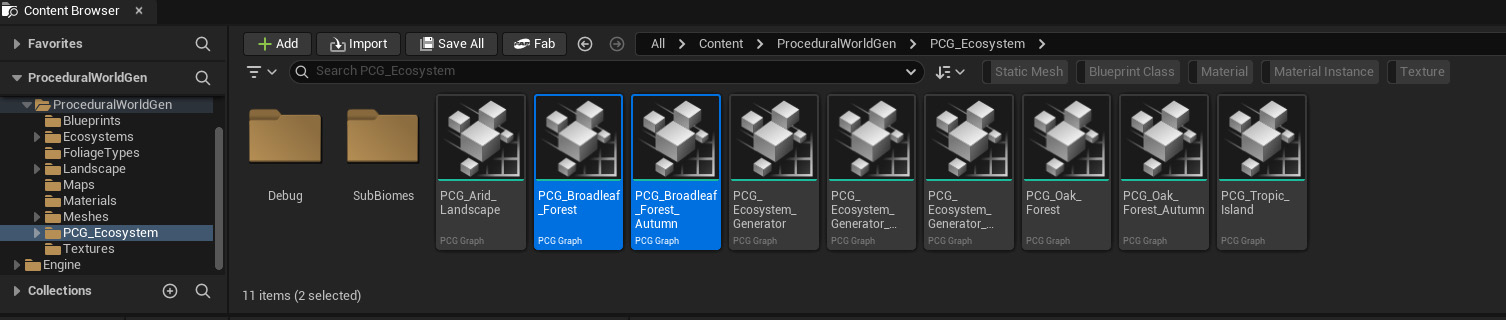
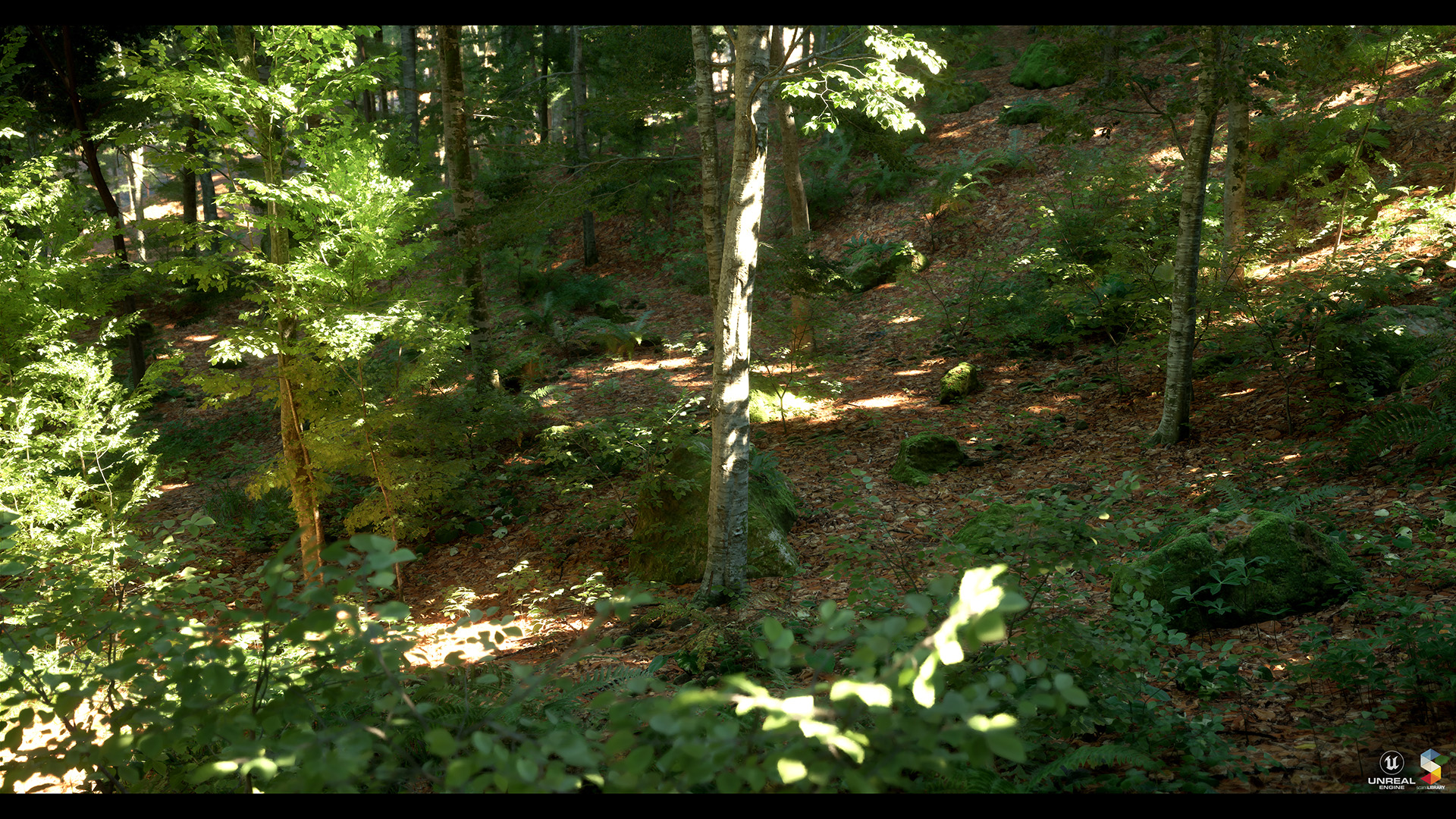
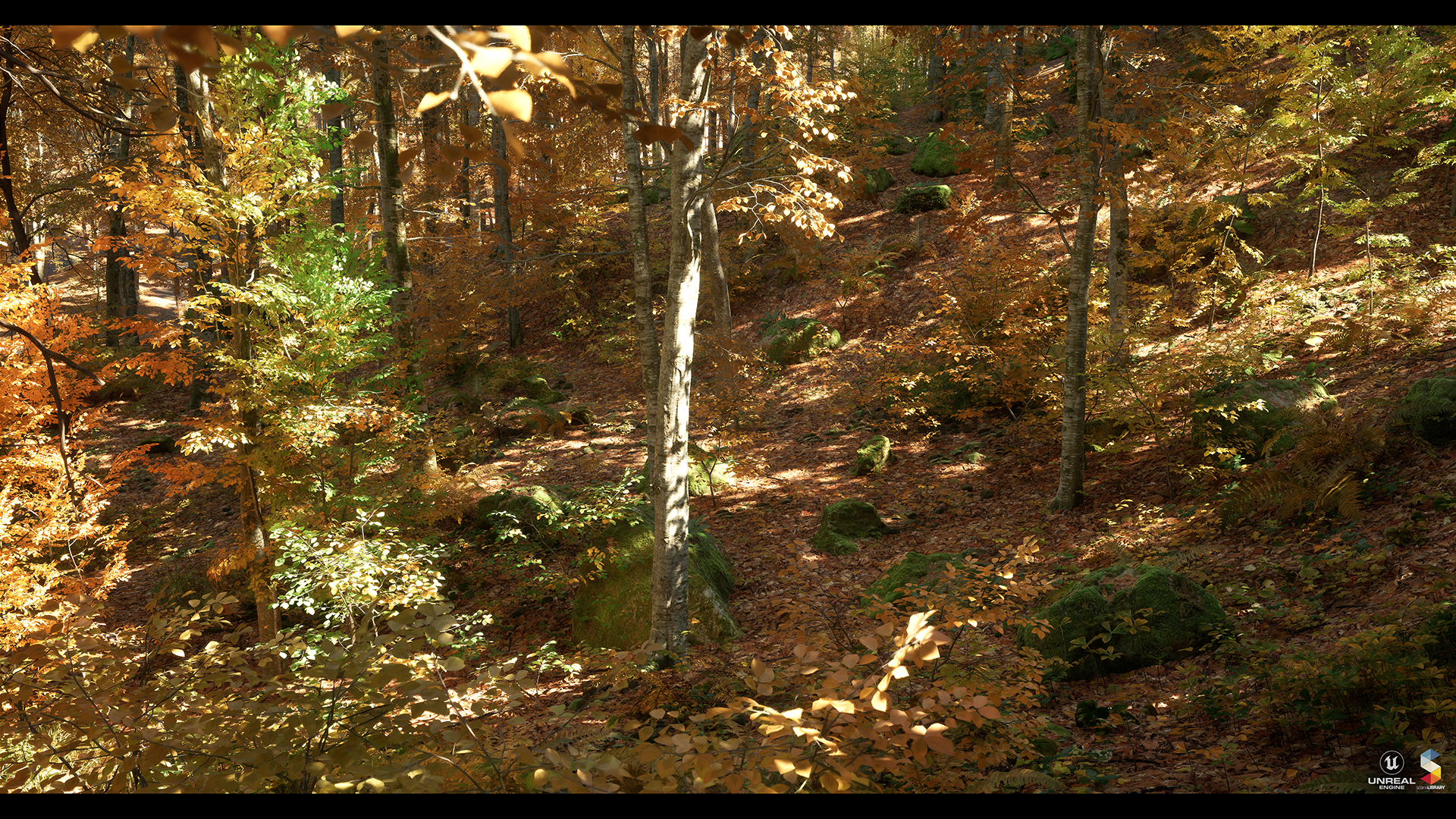
All plants are placed procedurally in the **Broadleaf Forest.** Then, when you add "**PCG\_Broadleaf\_Forest**" and "**PCG\_Broadleaf\_Forest\_Autumn**" to your map, plants will be procedurally generated.
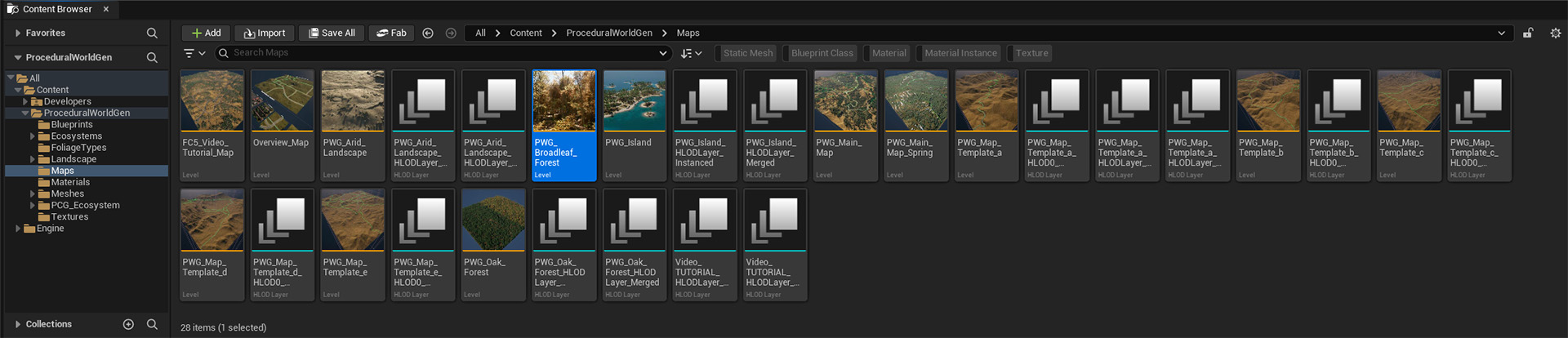
**For an example, see Maps/PWG\_Broadleaf\_Forest**
**Broadleaf Forest Forest** **Seasons** :
The **same landscape material** is used for **both seasons** for Broadleaf Forest. If you want to change the season, you need to replace and **PCG Spring Volume**.
**Landscape Material:**
{% hint style="warning" %}
\Content\ProceduralWorldGen\Landscape\M\_Broadleaf\_Forest\_Inst
{% endhint %}
**for Spring:**
{% hint style="warning" %}
\Content\ProceduralWorldGen\PCG\_Ecosystem\PCG\_Broadleaf\_Forest
{% endhint %}
**for Autumn:**
{% hint style="warning" %}
\Content\ProceduralWorldGen\PCG\_Ecosystem\PCG\_Broadleaf\_Forest\_Autumn
{% endhint %}
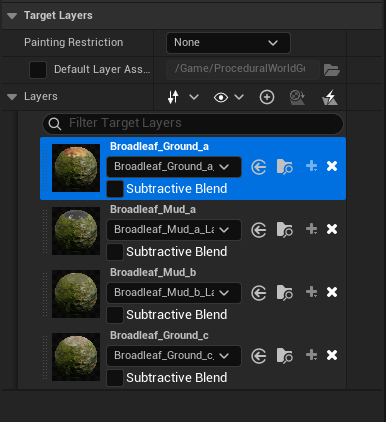
**Broadleaf Forest Forest** **Landscape Layers** :
You don't need to repaint the landscape with seasonal changes. Both seasons use the same landscape material.
You should paint the landscape with "**Broadleaf\_Ground\_a**" to create Broadleaf Forest plants. So use "**Broadleaf\_Mud\_b**" for waterside plants.
{% hint style="warning" %}
You need to paint the landscape with "**Broadleaf\_Ground\_c**" to create walkways and prevent vegetation from growing.
{% endhint %}
{% hint style="danger" %}
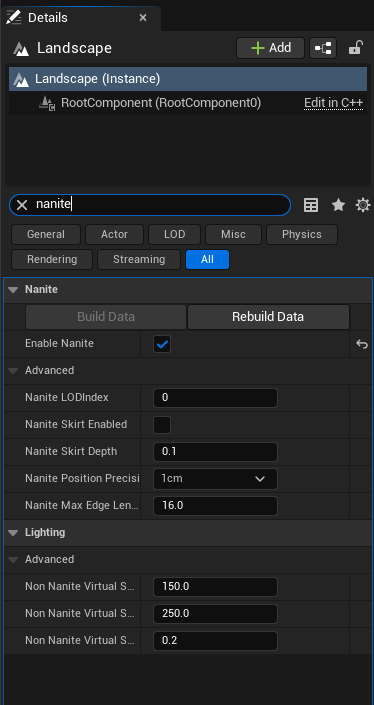
You must activate "**Nanite**" from the Landscape feature to use **tessellation** on Landscape.
{% endhint %}
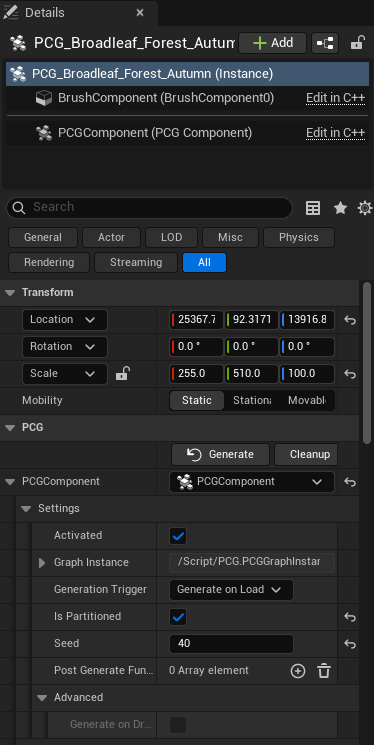
**Broadleaf Forest Forest PCG Settings-**